Put any AI
inside Moxie.
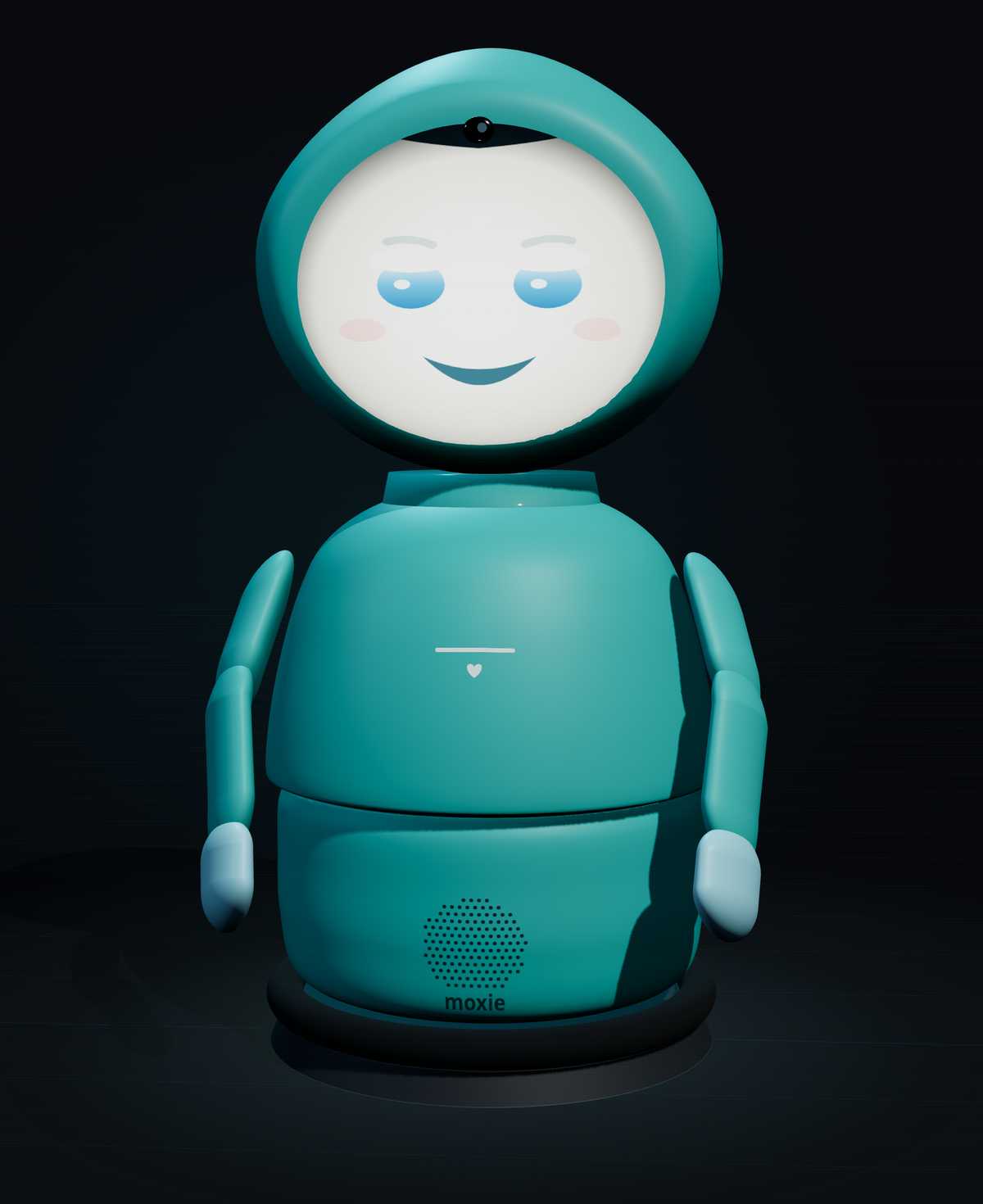
Embodied shut down and every Moxie went quiet. But the body — face, voice, gaze, motion — is just a shell that performs whatever brain answers one documented seam. So this is more than a revival: it’s an open kit to put any AI inside that shell. Say hi to the 3D Moxie right now — she answers live, in her own voice — then re-home a real robot to a server you control, or read the full reverse-engineering docs, all in your browser.
Explore
Simulator
A 3D Moxie — face, arms, liveness — that talks and gestures, driven by the same protocol a real robot speaks. No robot, no server needed.
Open the simulatorRevive a robot
Have a real Moxie? Make the two QR codes — Wi-Fi, then your server — and hold them to its camera. Phone-friendly, nothing to install.
Open setupParent console
An example of the parent dashboard: Daily Missions, rewards, conversation summaries and robot status — the shapes the real cloud used.
Open the consoleDocs explorer
Every reverse-engineering doc in the repo, browsable in the page with Mermaid diagrams rendered — how the firmware, protocol and hardware actually work.
Open the docsSource on GitHub
Everything is open. The full toolkit, servers, simulator and reverse-engineering docs — clone it, self-host it, or help map the rest.
View the repoBring your own brain
Moxie decides everything it says and does behind one seam — the RemoteChat request it
sends each turn. Anything that answers it becomes Moxie: a local LLM (Ollama, offline), a
cloud model, your own agent. Stand up the backend with docker compose -f sim/docker-compose.yml up,
wire in a brain, and point the sim or a re-homed robot at it.
Built on the shoulders of OpenMoxie & the community
This revival stands on the work of the people who kept Moxie alive after the shutdown — most of all the OpenMoxie project. Go star it, run it, and help push it forward.